Ready to print
Get the files
- Customize in the web app (OpenSCAD Assistive Forge)
- Source files on GitHub (openscad-assistive-forge)
- Video: Charm Customizer tutorial
- Video: Charm Customizer real-world example
- AAC Charms for Silicone Bracelets, the WOOF3D original by Duy Do (fixed model, not customizable)
- REMIX: AAC Charms for Silicone Bracelets, Brennen's print-fixed version of the WOOF3D original (fixed model, not customizable)
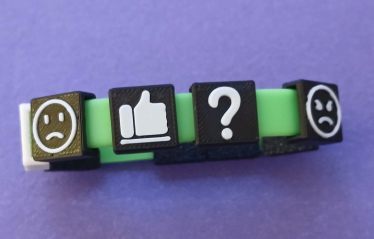
The Charm Designer makes small 3D-printable charms carrying picture symbols, for communication aids, wearable task-list prompts, and picture bracelets. Pick a symbol, preview the charm in 3D, and download the STL (stereolithography) model file to print.
It builds three shapes:
- Bracelet Clip Charms that snap directly onto a silicone bracelet.
- Flat pendants in circle, square, rounded rectangle, hexagon or oval, or in the outline of the design itself.
- Logo plates built from an imported SVG (scalable vector graphics) drawing.
You do not need to supply artwork. The tool ships with a built-in symbol library you can pick from, and your own SVG drawing, or a PNG or JPG picture that it converts to a drawing, covers anything the library does not.
This is a separate tool from the braille charms in the Braille Card Designer: those carry braille letters, while these carry picture symbols. Both run in the OpenSCAD Assistive Forge, but they are independent customizers with different inputs.
A drawing editor is built in: it shows how the design will print, flags shapes too thin or too small to print at charm size, and can remove them until the design prints reliably.
Where it came from
This design started as a request to recreate a discontinued AAC (augmentative and alternative communication) product called a “Q-Charm”, a bracelet of small picture charms used for communication and task prompts.
The first answer to that request was a fixed, non-customizable model by Duy Do, a student in WOOF3D, the University of Washington’s 3D printing club: AAC Charms With Boardmaker Symbols For Silicone Bracelets. I later published a remix of Duy’s design with print fixes applied; both are still fixed STL files rather than customizers. The idea was then iterated through hackathons including the Adaptive Solutions Mini-Hackathon with CREATE (the University of Washington’s Center for Research and Education on Accessible Technology and Experiences), HuskyADAPT, and King County Library System, and the GitHub Open Source Assistive Technology Hackathon, which is where it grew into this customizer.
Credits
The Charm Designer exists because of work by several people and groups:
- Nasif Zaman wrote the OpenSCAD charm generator that the tool runs.
- Duy Do (UW WOOF3D) created the original AAC charm design the tool is descended from.
- HuskyADAPT, the University of Washington’s accessible design and inclusive play organization, hosted the hackathon work that shaped it.
A real-world example
A paraeducator working in audiology and assistive technology, Daniel K., used the Charm Designer to make a task-list charm bracelet for a student who is hard of hearing. The numbered charms are a visual reminder to put on their hearing aid, get the teacher’s DM microphone, connect it wirelessly to the hearing aid, and charge it at the end of the school day. Daniel shared the charm photos on this page for public use.
Two ways to use it
- In the browser, no install needed. Open the OpenSCAD Assistive Forge web app, pick a symbol from the library or import your own, preview the charms in 3D, and download the STL.
- In desktop OpenSCAD. The charm generator is open source in the OpenSCAD Assistive Forge repo, so you can also run it in OpenSCAD’s built-in Customizer panel offline.
If you make a bracelet with it, feedback is very welcome; share it on the model pages linked above.
Photo gallery
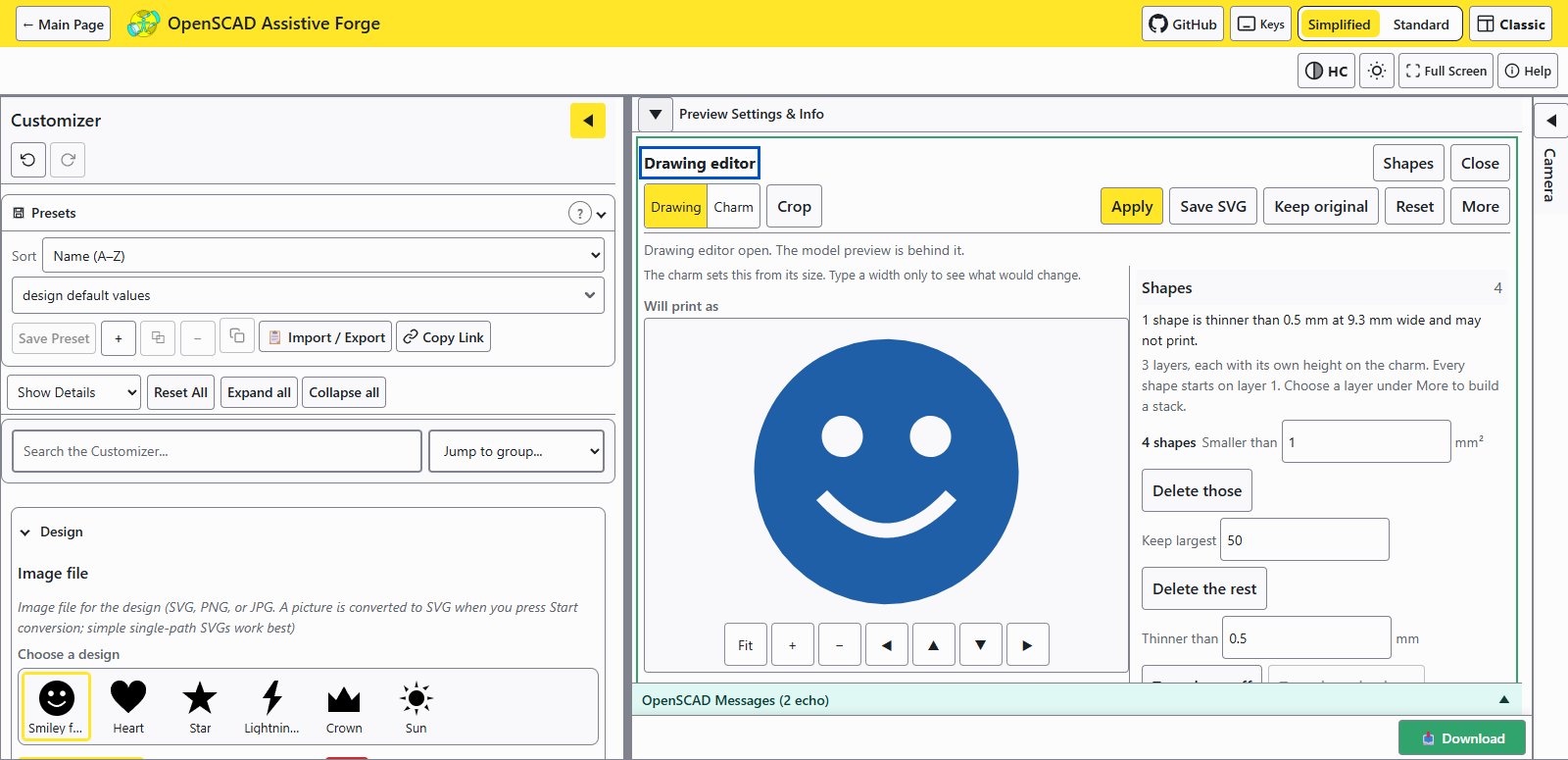
The drawing editor checking the built-in smiley face before it goes on a charm.
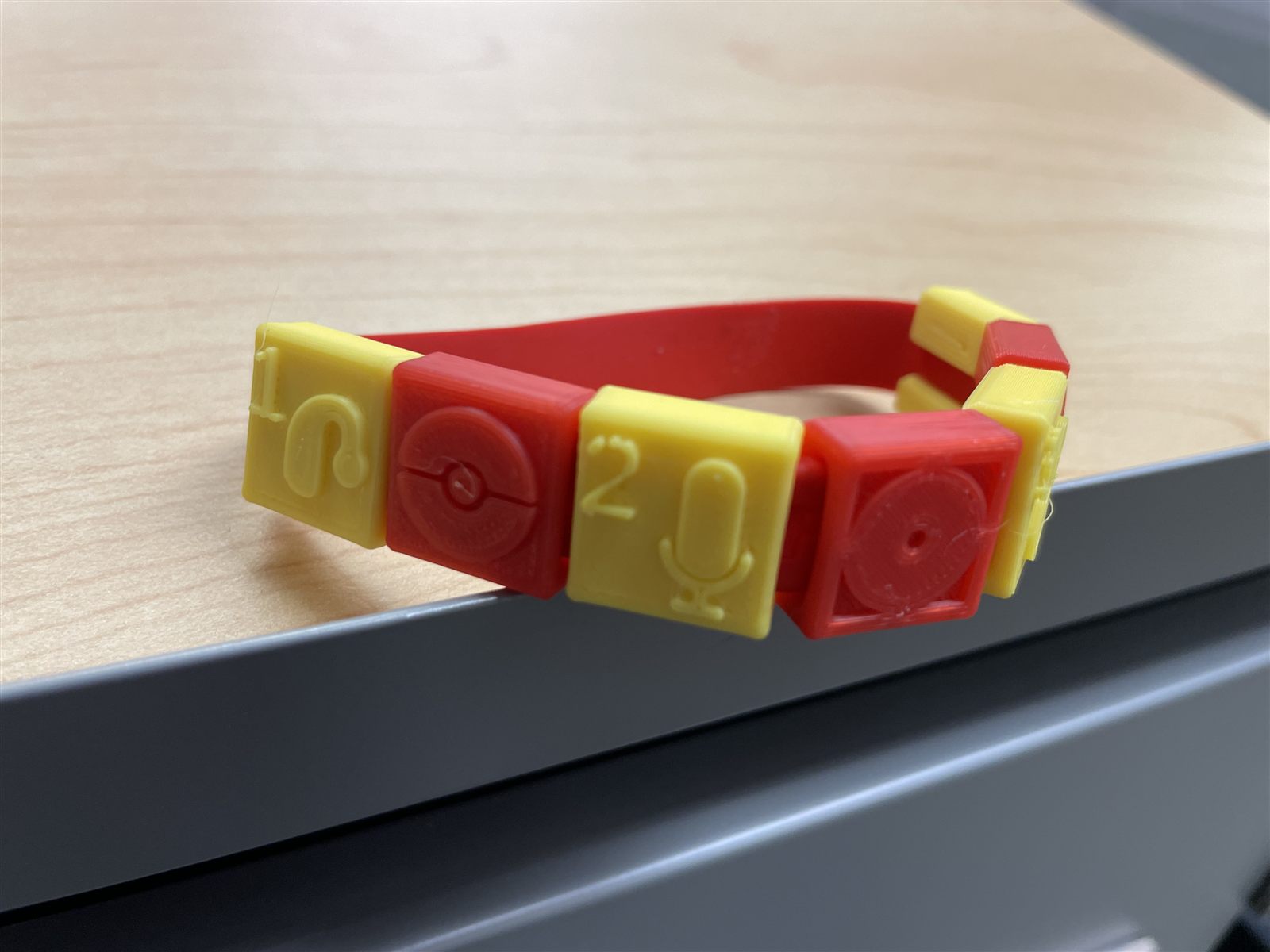
A task-list charm bracelet made by an assistive technology paraeducator for a student who is hard of hearing.
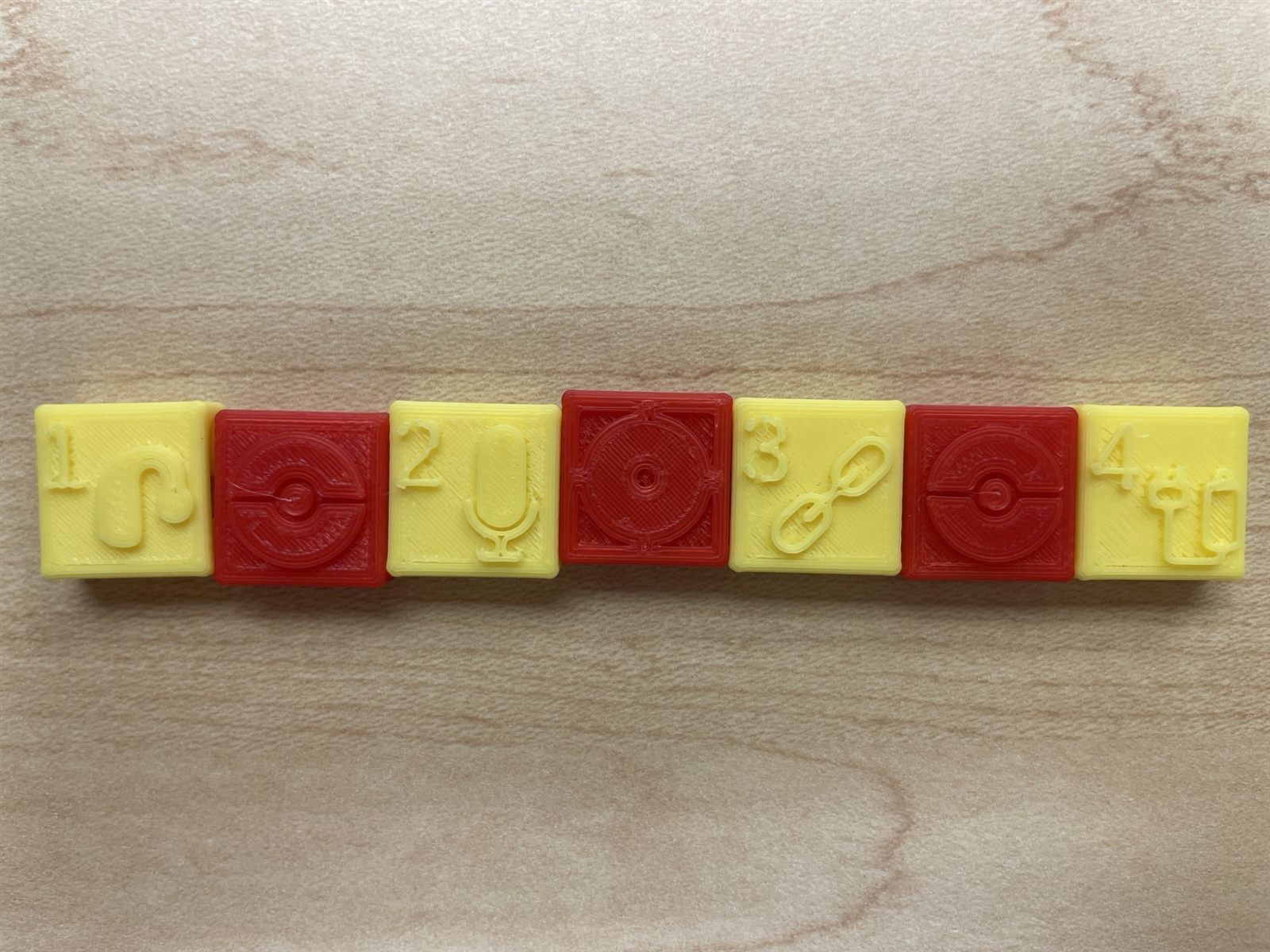
The four numbered task charms before assembly.